





How to get an API Key:
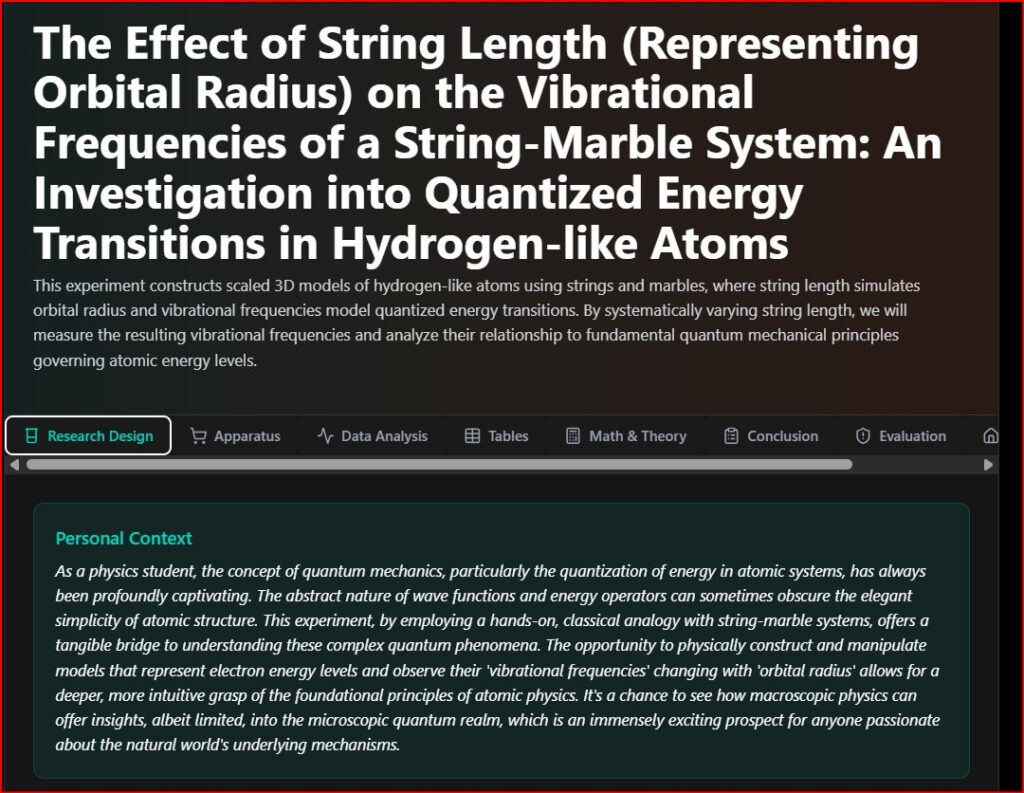
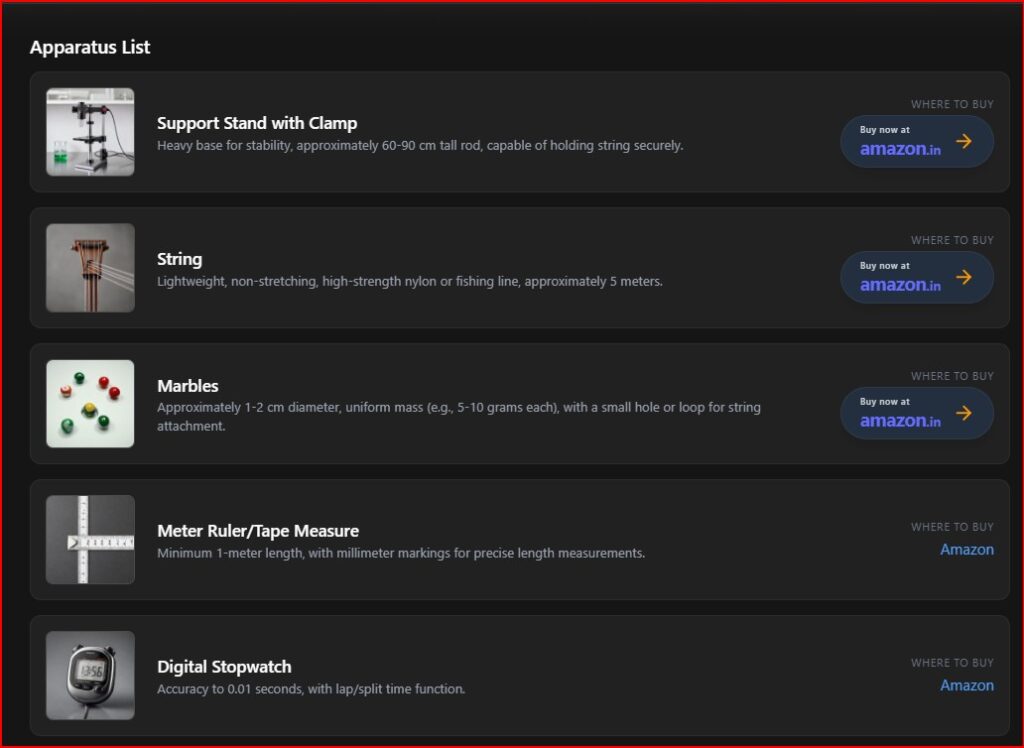
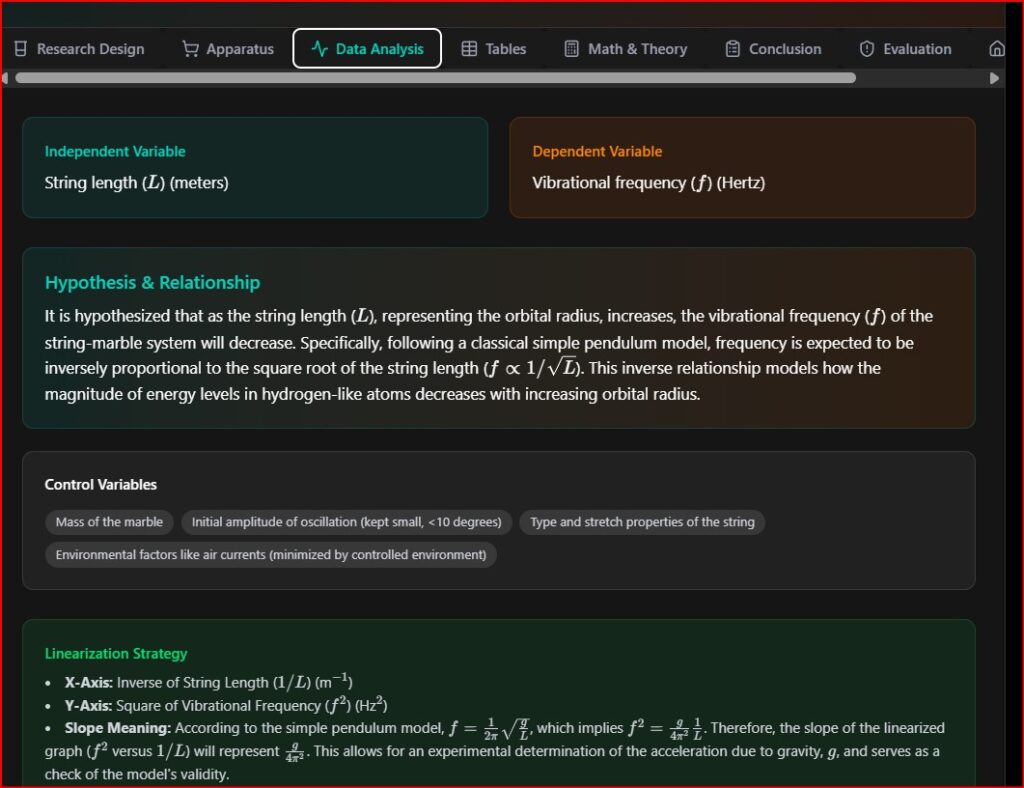
You can use this app to generate any kind of experiment in Physics, Chemistry, Biology and ESS. This app not only generates the title of the experiment, but generates data along with the proceedure, personal interest, evaluates the experiment and finally writes the conclusion. To use this app, you need a Gemini API Key.
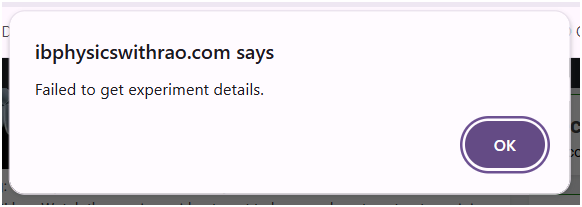
b. Sometimes you also get an error stating ” Experiment not found “. Change the parameters and give a try once again, since it also depends on the time out of the site
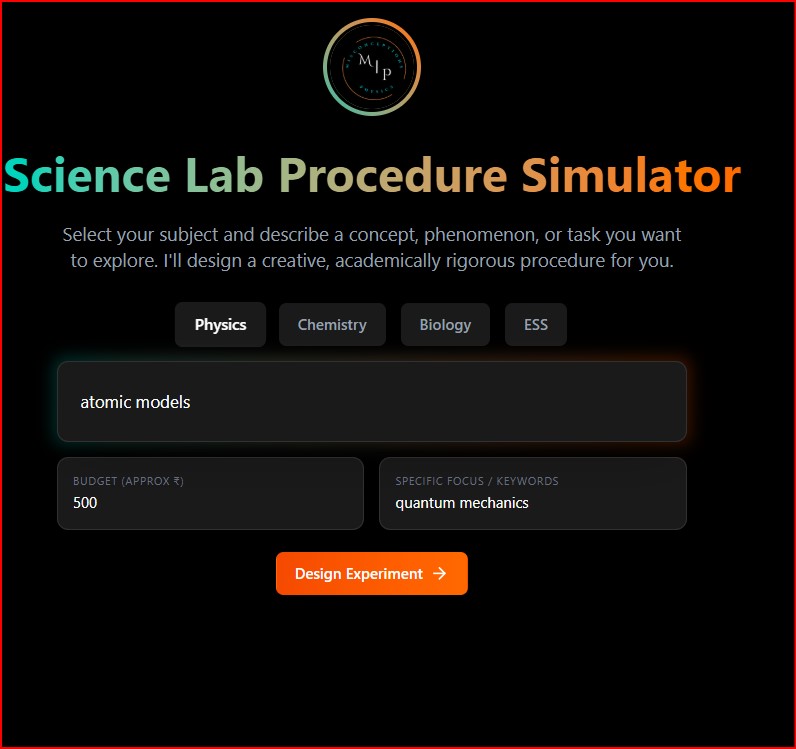
- In the below screen type in the following: Concept / Phenomenon or task you would like to demonstrate
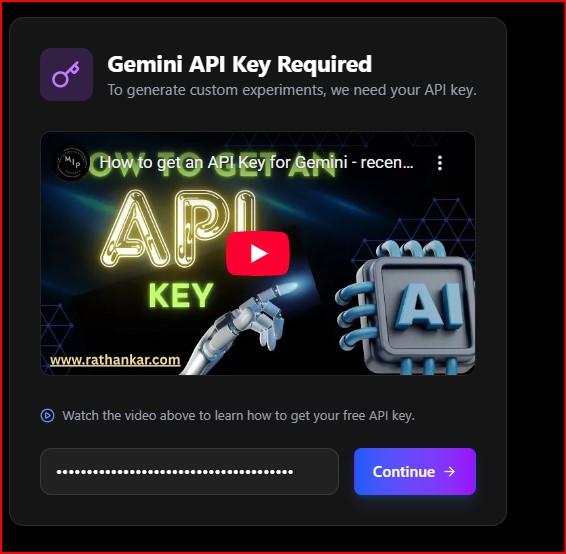
2. In the next screen, type in the Gemini API key. Watch the above video to get to know as how to extract gemini API Key from their website. It is totally FREE
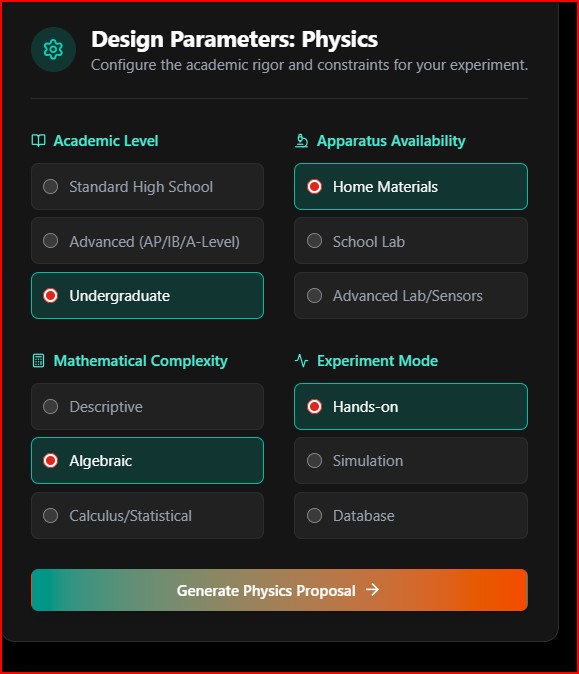
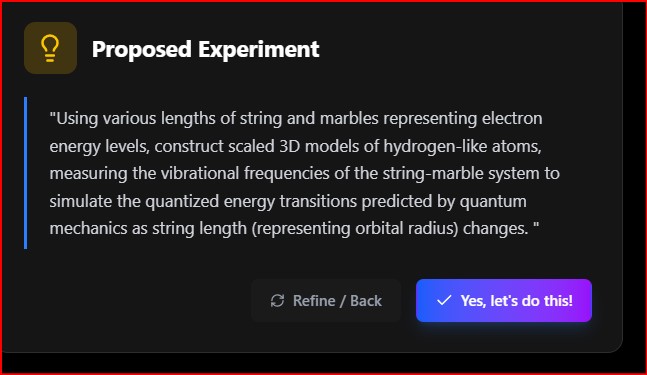
3. The page refreshes and opens a Design Parameters page. Select what level (High school, graduation etc), Apparatus availability (doable at home , lab , usage of sensors etc ) , mathematical complexity required (algebraic, calculus or just description ) and Experiment mode (Hands-on, simulation or secondary data based ) so that an experiment linking the concept and your selection will be shown, if any such experiment can be designed or available
NOTE:
a. After step-3, the page doesnt show immediately, it takes some time to gather information based on the complexity of the problem proposed. So wait for atleast 3 mins, during which no activity will be seen.
c. The AI tool will give u some random experiment even if u given some gibberish inputs ( Eg: xxxxxxx, werwerws, etc ), so give your input appropriately so that you get the correct experiments
Happy Learning!
SCREENSHOTS OF VARIOUS PAGES: